Overview
Note
MetaHuman-related files required for this workflow are included in the ModKit installation directory.
Path:
\inZOIModKit\Extras\Maya\MetaHuman
This folder contains the necessary scripts and resources used in the following MetaHuman → Maya export process.
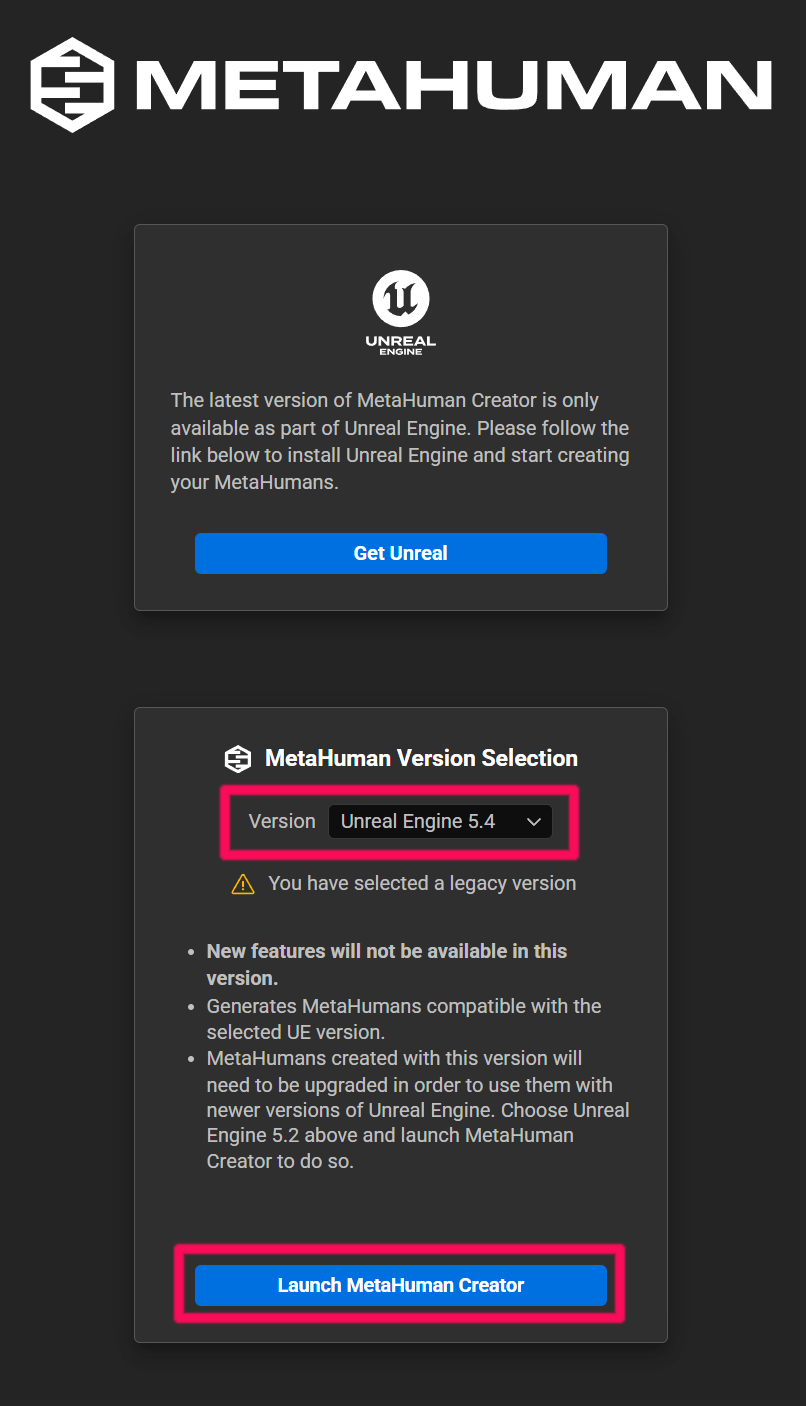
1.1 Launch MetaHuman Creator
Start the creator using UE 5.4.
1.2 Create a Base Face
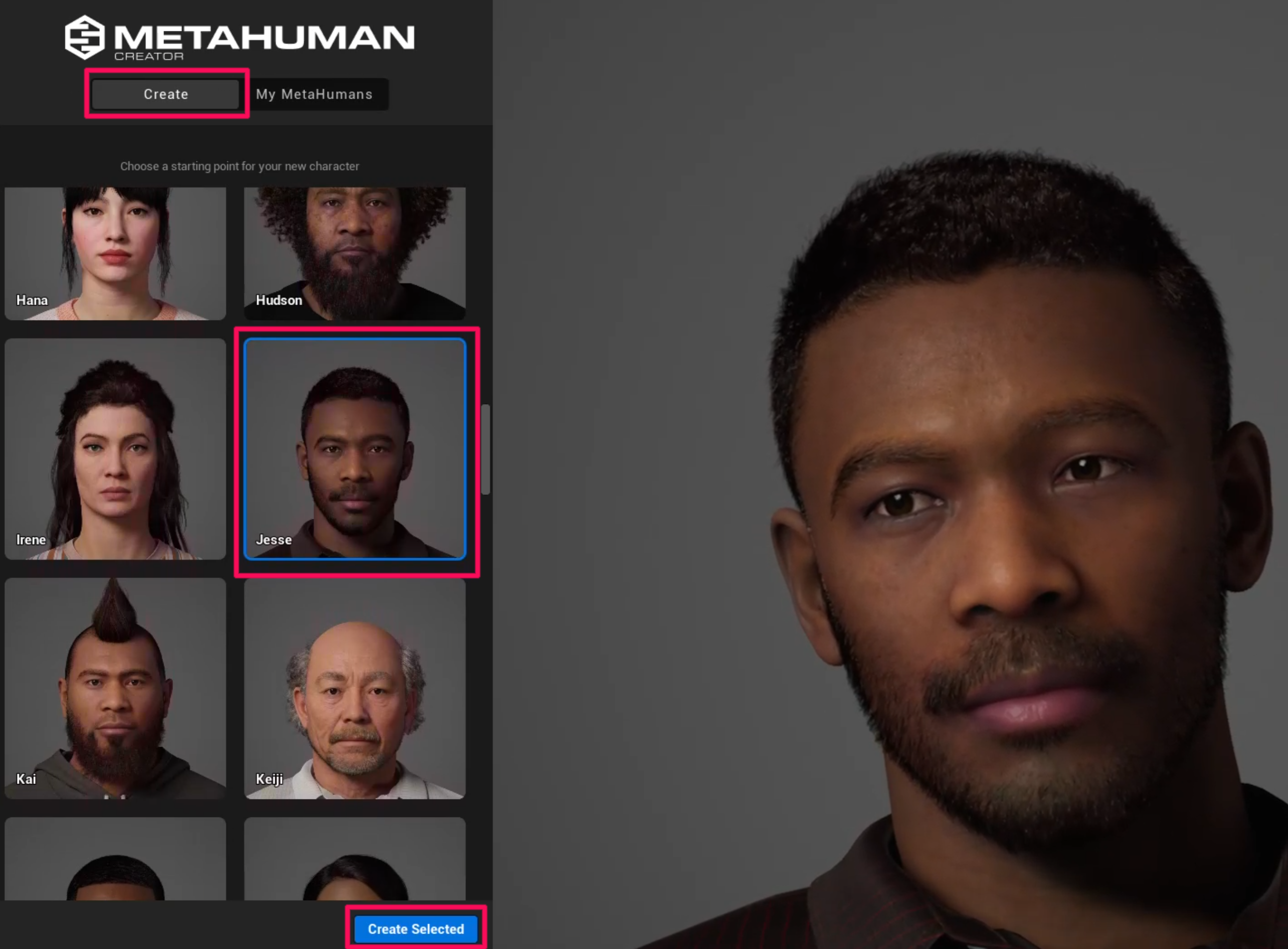
Click the Create button to enter the MetaHuman creation screen. Select a base face and click Create Selected to generate it.
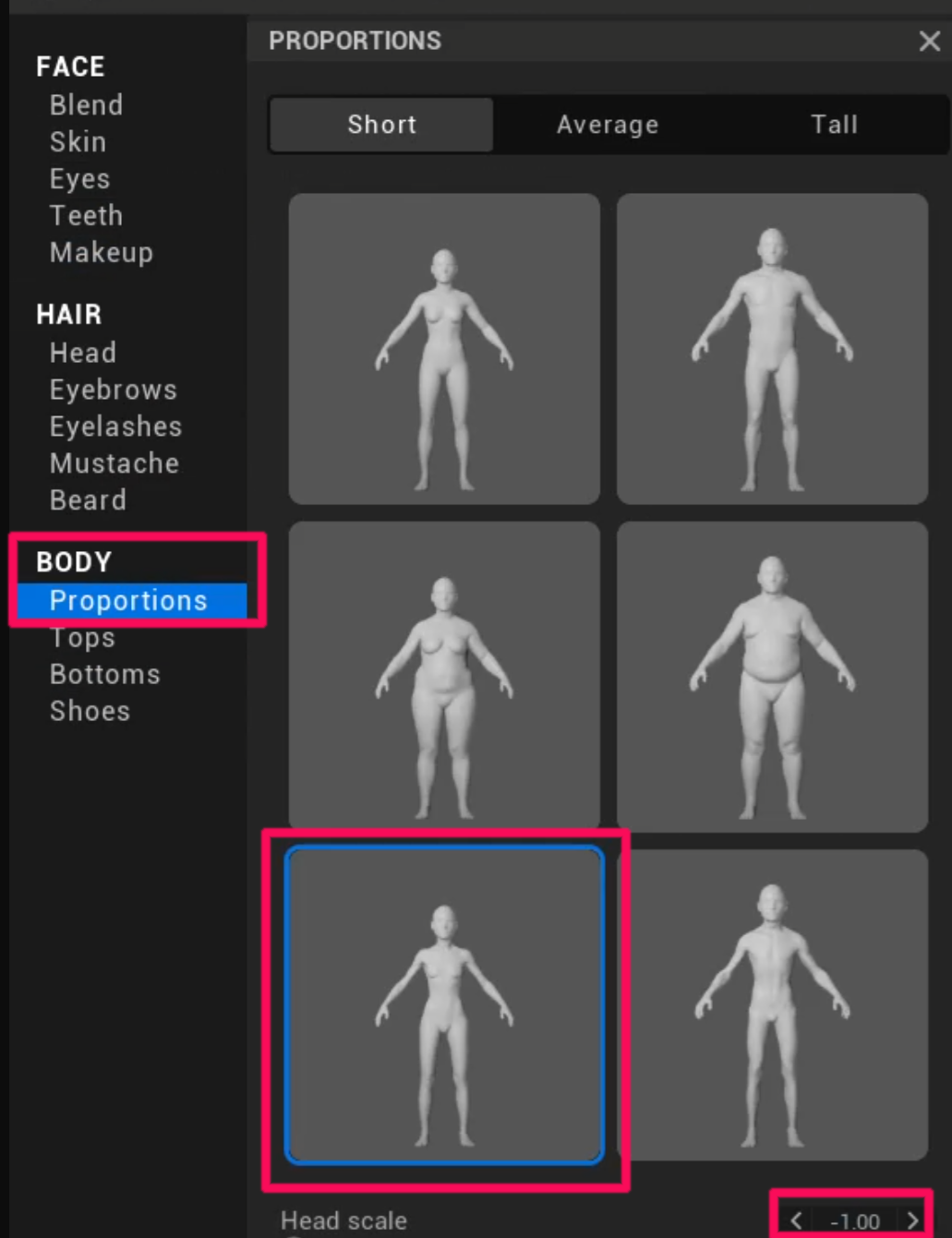
1.3 Recommended Proportions for inZOI
If the proportions differ from the inZOI character standard, errors may occur during later stages of the workflow.
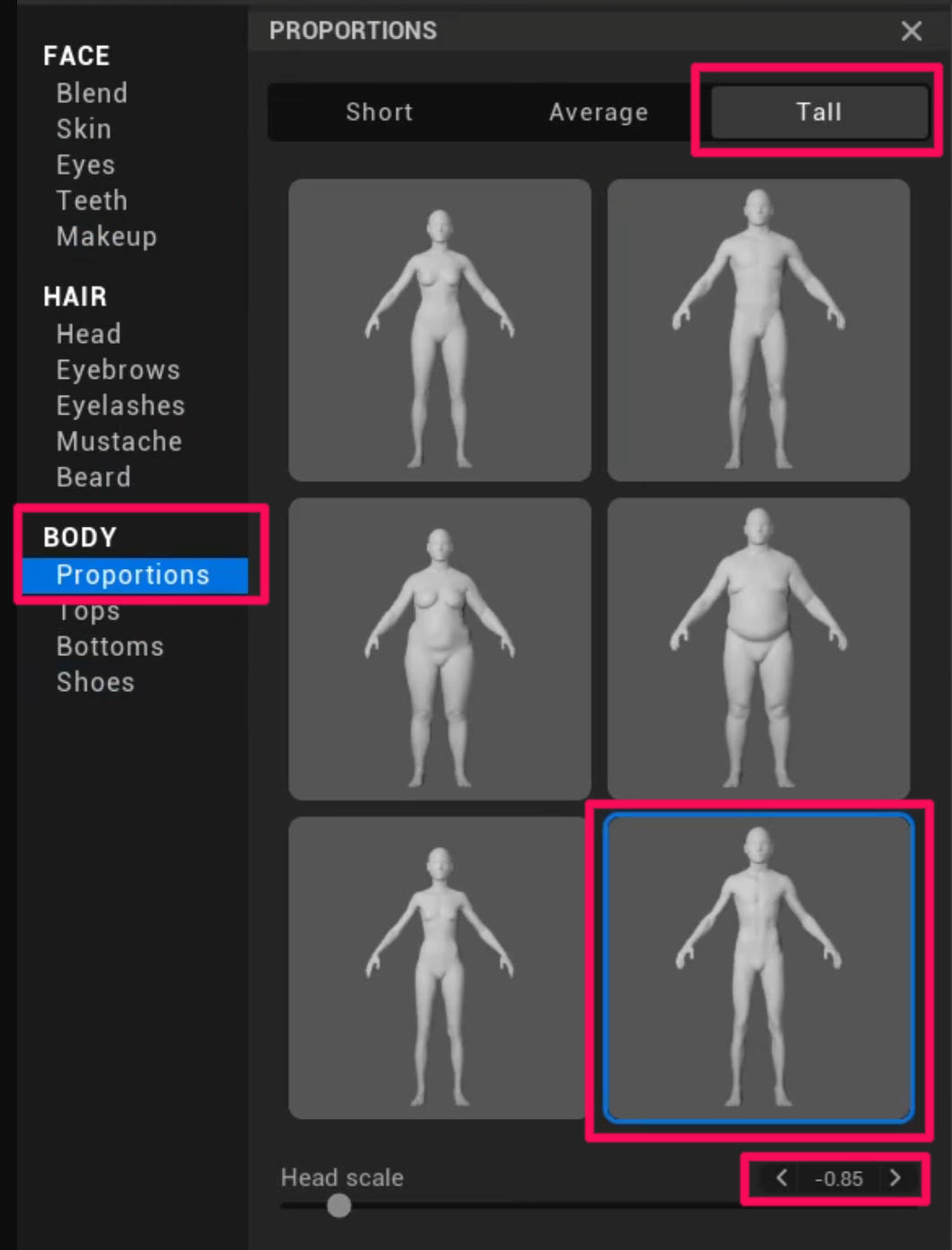
Since the body used in-game is applied directly, it is recommended to match the following proportions.
(Tall / Slot 6 / -0.85 / Short / Child Slot 5 / -1.00)
Recommended settings
- Same for Adult Male and Female
- Tall
- Slot 6
- Head scale -0.85
- Same for Children (Male/Female)
- Short
- Slot 5
- Head scale -1.00
1.4 Edit the Face
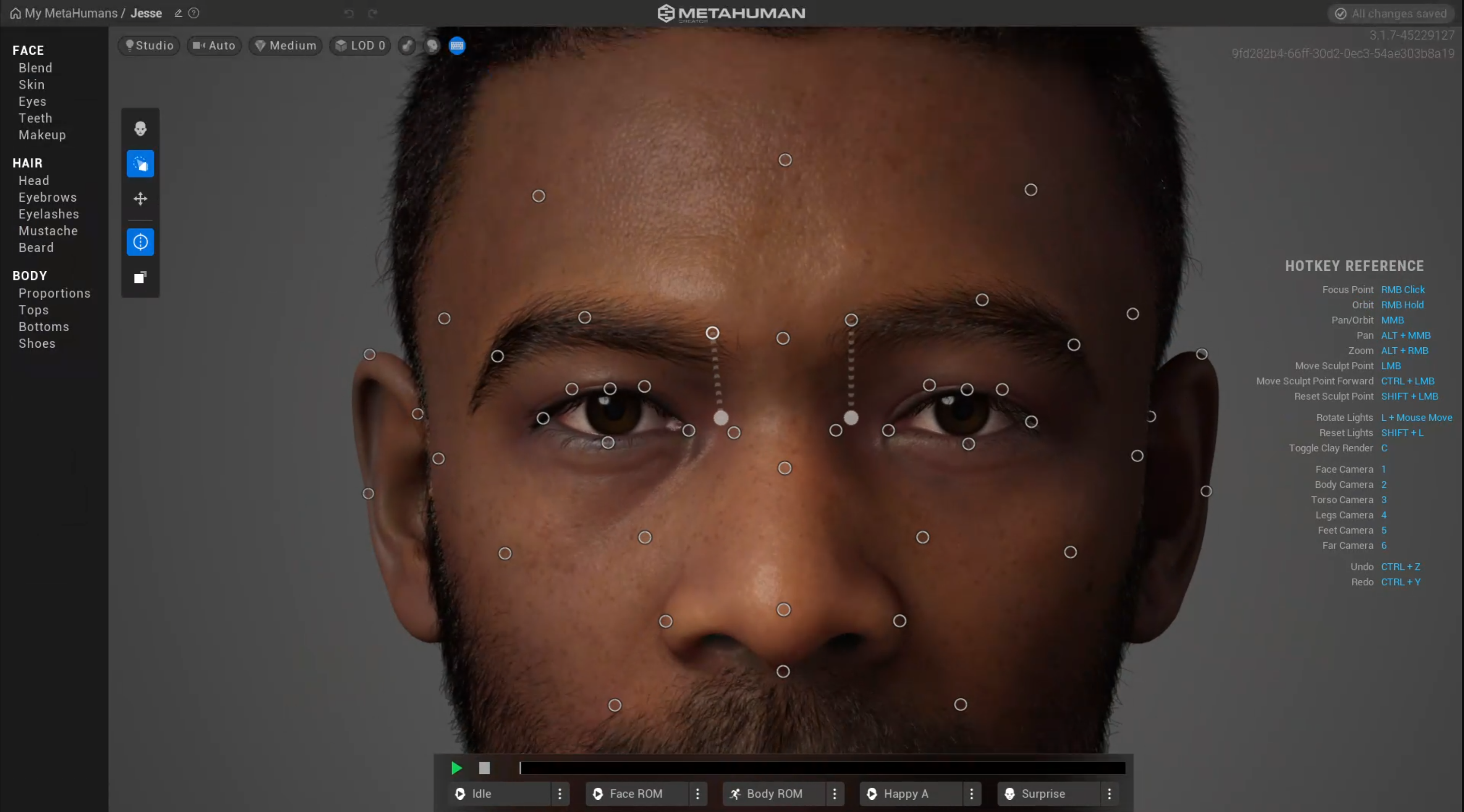
Edit the face in the Face tab.
Warning
Currently, when working with MetaHuman, eyebrows, beards, and hair are not applied, and only the face is used.
1.5 MetaHuman Creation Complete
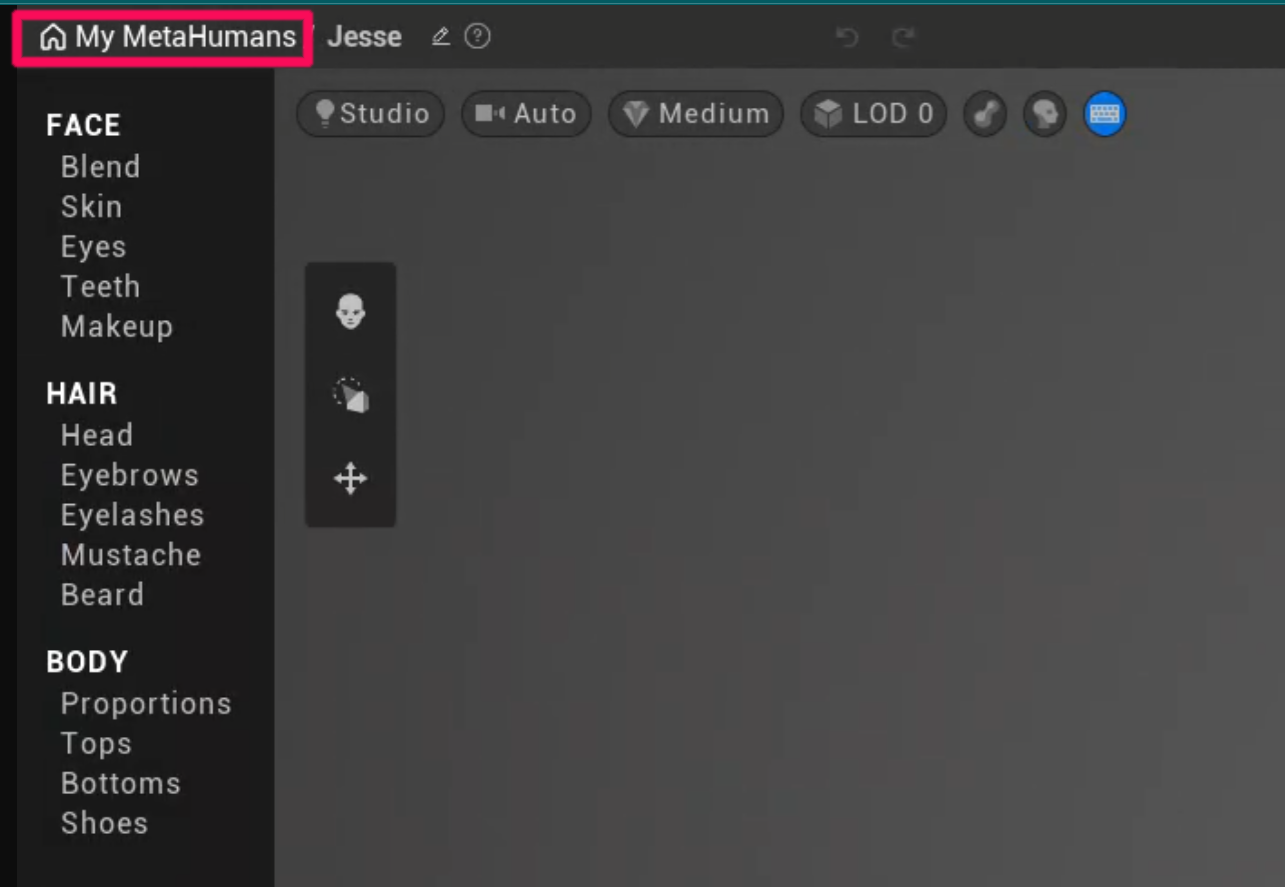
Return to My MetaHumans. If the new face appears in the list, the creation was successful.