02. Materials / Textures
Purpose
The Materials / Textures section in the Skin Modkit allows users to assign the Material Instances used for skin rendering and replace the Color Textures referenced by those materials.
In this section, users can confirm which materials are used for the Head Skin and Body Skin, and import the necessary textures to update them.
Head Materials
Head Materials define the Material Instances used to render the character’s face.
Each Material Instance is linked with the default facial textures used in inZOI, and users can replace these textures with new Color Textures through the Head Texture field in the Texture section.
Body Material
Body Material defines the Material Instance used to render the entire body.
Each Material Instance is linked with the default body textures used in inZOI, and users can replace these textures with new Color Textures through the Body Texture field.
Texture
In the Texture section, users can import Head and Body Color Textures to replace the existing skin textures.
- Each texture input slot is organized as follows:
- Head Texture Imports the Color Texture applied to the entire face.
- Body Texture Imports the Color Texture applied to the entire body.
- Thumbnail Assigns a preview image that will be displayed in the skin selection UI.
Users can import new Color Textures using the Import function.
Using Reimport allows quick updates by reloading the texture file after modification.
Skin Color ID Reset on First Texture Import
When importing a Color Texture for the first time, a prompt appears asking whether to reset the Skin Color ID.
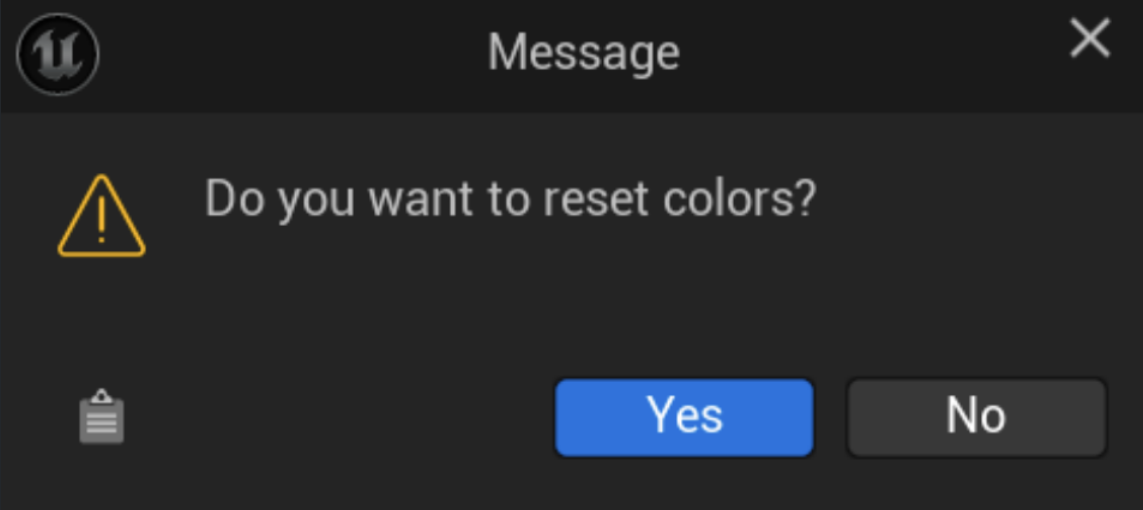
- Yes Resets the Skin Color ID to the default value, Beige 1.
- No Retains the Skin Color ID currently assigned to the skin.